Demo lab / Operations
Run the Load
Tracking & check calls. Explore an active load, its location, ETA and hours-of-service context, then follow the automated check-call workflow.
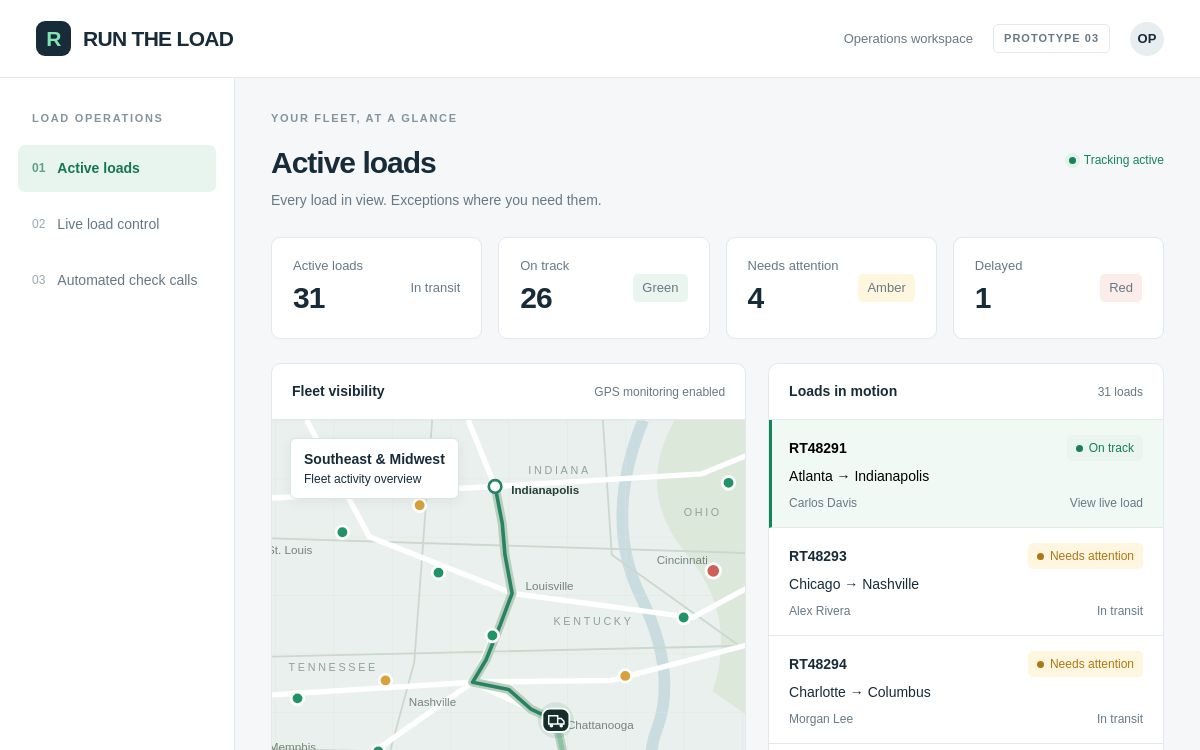
Actual demo interface · Illustrative scenario data
Follow the story.
Open the original demo and work through the scenario in order. Inspect the information behind each step, then follow what changes as the workflow progresses.
STEP 01Review active loads
STEP 02Inspect the tracking timeline
STEP 03Check ETA and HOS context
STEP 04Review the customer update
From demonstration to your operation.
A production implementation starts with your data sources, rules and team responsibilities. We agree the system connections, approval boundaries and measures of success before building around your workflow.
Illustrative data and simulated actions. These demonstrations do not perform live bookings, payments, compliance certification or autonomous vehicle diagnostics.
Discuss this workflow